Nederlands
Gemini gets a real desktop app, with a shortcut to Google's programming agent
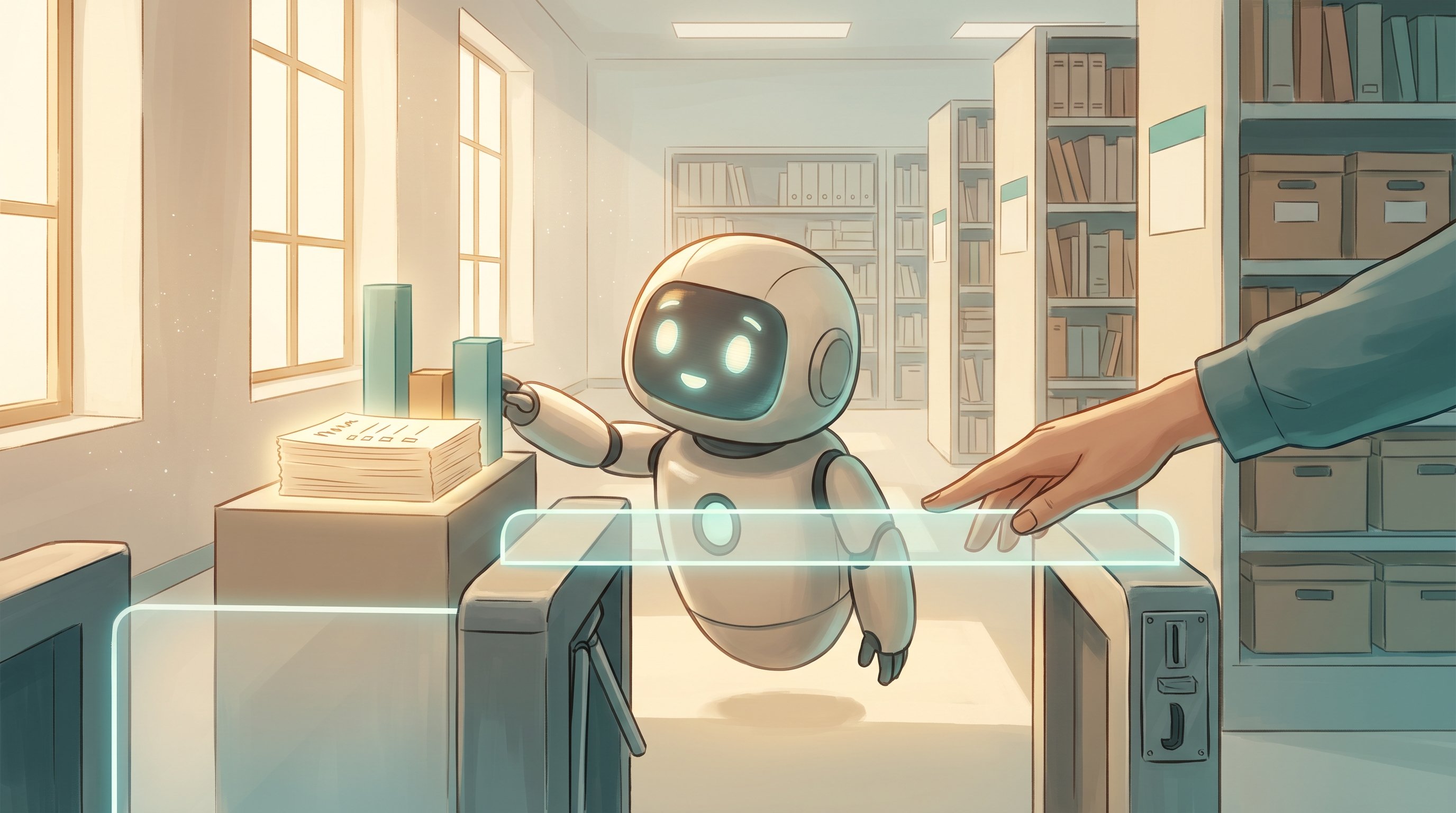
Google now has a Gemini app for Mac and Windows. Since 13 October, one button on the Mac also opens Antigravity, Google's AI programming environment. This gives Google its own answer to ChatGPT with Codex and Claude with Claude Code, although it is not yet all in one app.
Anyone who goes to gemini.google.com these days sees a "Download app" button. It leads to the Gemini app for the computer, which Google released this year in two steps: in April for the Mac and on 10 September for Windows. Since 13 October, the Mac app can also open Google Antigravity with one click, a programming environment in which AI agents write and test code on their own.
With this, Google is taking a step that OpenAI and Anthropic took earlier. With those companies, users can not only chat with ChatGPT or Claude on their computer, but also have an AI agent do programming with Codex or Claude Code. Google did have a strong chatbot and its own programming environment, but they were separate from each other. Now they are coming closer together.
What can the Gemini app do on the computer?
The app is a program of its own, but looks very much like the website. Its biggest advantage is that Gemini is always within reach. With a keyboard shortcut (Option + space on the Mac, Alt + space on Windows), Gemini appears above the window the user is working in. This makes it quick to look something up or ask for a spreadsheet formula without switching tabs.
Users can also share their screen, so that Gemini can look at a chart or an error message, for example. The app makes images and videos and pulls information from Gmail, Google Drive, Docs and Calendar. The Mac app works on computers with an Apple chip and macOS 15 or newer, the Windows app on Windows 10 and 11. The basic version is free.
The Mac version is ahead of Windows. Only on the Mac can users, for example, dictate text in any program, have local files organised and, since 13 October, open Antigravity. Google says more of these functions are also coming to Windows.
Chatting, tasks and programming
With the update of 13 October, the Gemini app got a switch in the chat window. It lets users switch between ordinary chatting and tasks. In task mode, according to Google, Gemini works independently on jobs in the user's Google apps, even when they are not at their computer. That is a form of AI agent: an AI that does not just answer, but carries out steps itself. Tasks are available to subscribers of Google AI Pro (about 20 dollars a month) and AI Ultra.
For programming, there is a button at the top right of the Mac app that opens Antigravity. Antigravity is Google's programming environment, which appeared in November 2025. Users give it an instruction in plain language, such as "build a website for my bakery", and AI agents write, test and improve the code. Several agents can also work on different parts at the same time. Antigravity runs as a separate app on Mac, Windows and Linux and has a free version with limited usage.
The same update also brought Gemini 4 Argon to the app, Google's newest and strongest model, which WATTBA wrote about earlier. Google mentions big improvements in programming. Anyone who also wants to use Argon in Antigravity needs the most expensive subscription, AI Ultra, which costs from about 100 dollars a month (more than 85 euros).
Not yet all-in-one
Is this now a full answer to ChatGPT with Codex and Claude with Claude Code? For a large part, yes. Google now has a desktop app, an AI agent for tasks and a powerful programming environment, driven by a model that keeps up with the best competitors.
It does still work differently. The button in the Gemini app opens Antigravity as a separate program; so chatting and programming still happen in two windows. On Windows, that shortcut is missing for now. And the Windows app is currently mainly a handy wrapper around the website. Google itself calls the current apps a starting point and promises more functions in the coming period that really make use of the computer.
Performance in programming also has to prove itself in practice. According to Google's own figures, Argon is the best on some programming tests, but in independent measurements of independent work in a terminal, models from OpenAI and Anthropic still score higher. Moreover, Argon runs in the app by default with less thinking time than in those tests. In the coming weeks, users will show how it works out in daily work.
What does this mean for the road to the singularity?
All three big AI labs are now working towards the same thing: an AI assistant that works along with you on your own computer, that you can ask things and that also carries out tasks independently, up to and including writing software. The fact that Google is bringing together its chatbot, agents and programming environment makes that step accessible to the more than one billion people who use Gemini. Competition between three strong players speeds up development and pushes down prices. The next step is for chatting, tasks and programming to truly merge into one environment, in which one AI can support your whole working day.
What is the technological singularity? Read the explanation →
Sources
- Google: Gemini-app voor macOS
- Google: Gemini-app voor Windows
- Google: Gemini 4 Argon in de Gemini-app
- Gemini for desktop (Google)
- 9to5Google: Gemini 4 Argon in de app
- 9to5Google: Gemini-app voor Windows
- iGeeksBlog: Antigravity-knop in Gemini voor Mac
- Tech Times: Argon-benchmarks en standaardinstelling
- PPC Land: takenstand in Gemini
- Wikipedia: Google Antigravity